
Invite link generation
Document Access Link Generation
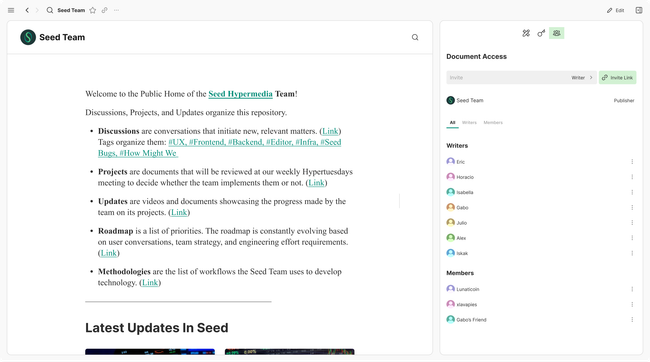
When clicking on invite link you will get a generated link with the selected role.
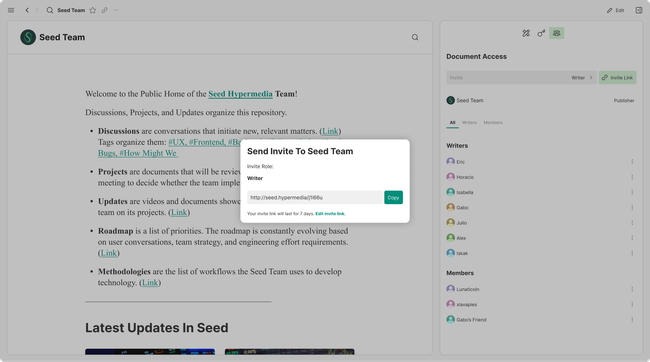
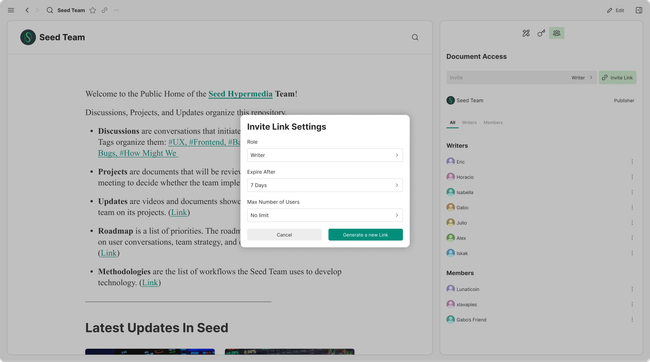
If you want to change duration for the link, number of people that can use it or role you will be able to do this on the invite settings.
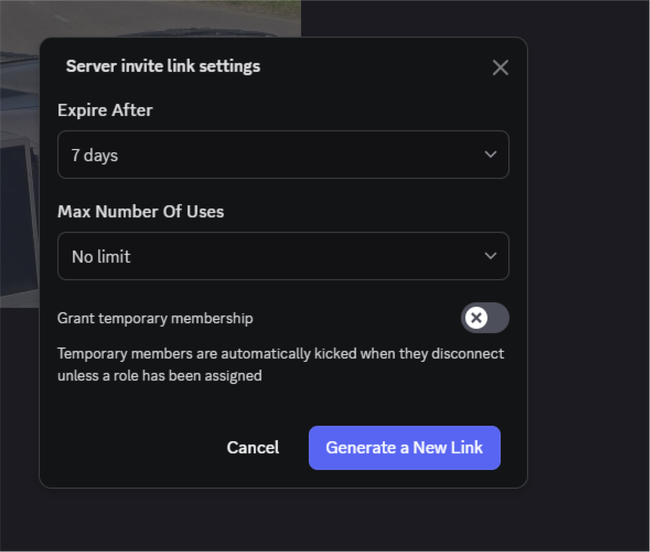
Discord invites where taken as a reference
Invite Membership
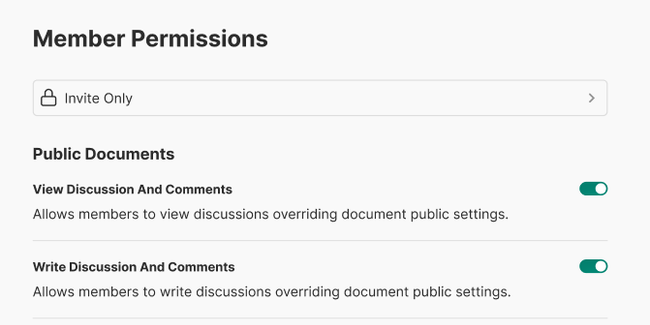
Once we have Invite we can have the new type of membership status which will be invite only memberships.
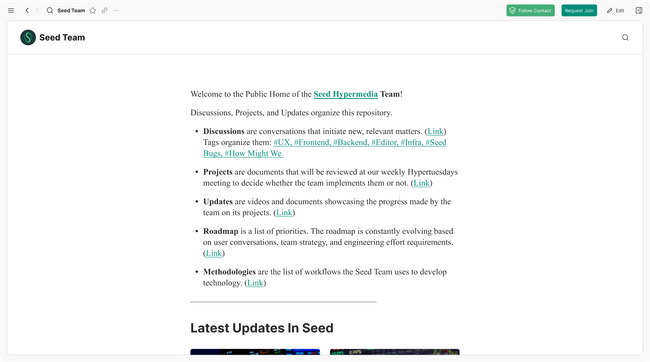
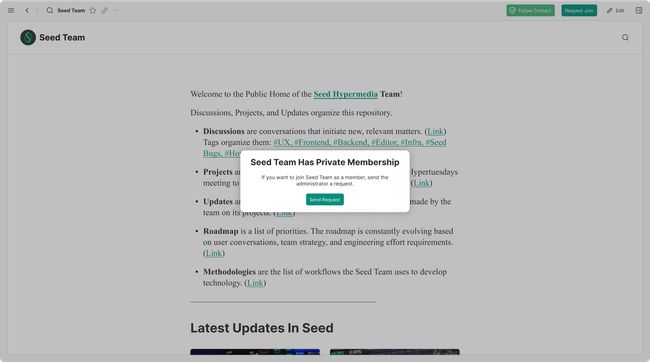
Joining Experience For Users Invite Only
If the user tries to join a site that is set to “Invite Only” then they will have to send a request for access permission. The site publisher will get email notifications about the request and they will be able to accept of deny it on the “Document Access” previously the collaborator panel on the pending tab.
Do you like what you are reading? Subscribe to receive updates.
Unsubscribe anytime